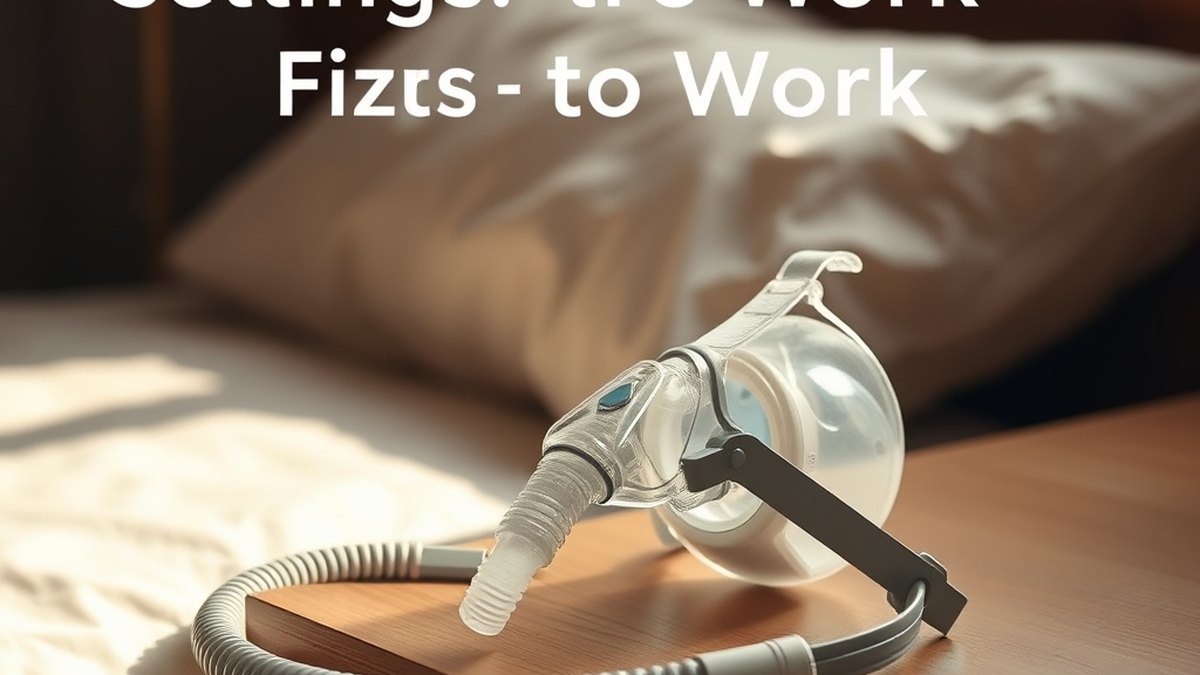
CPAP and Humidity Settings: Fixes That Work
⚡ Key Clinical Takeaways
- CPAP humidity refers to the moisture added to pressurized air by a heated humidifier built into or attached to your CPAP machine.
- Humidity settings directly affect how CPAP therapy feels.
- Dry mouth is one of the most frequent complaints.
- Most CPAP machines let you change humidity through the device display or a connected app.
- Bedroom conditions strongly affect how humidity settings perform.
Quick answer: CPAP humidity settings control how much moisture is added to the pressurized air delivered by your CPAP machine. Adjusting the humidity level can help reduce dry mouth, nasal irritation, and condensation in the tubing, often called rainout. Most machines allow settings from off or 1 through 8, and the right level depends on your room temperature, mask type, and personal comfort. If you are unsure where to start, speak with your clinician before making changes.
What CPAP humidity means
CPAP humidity refers to the moisture added to pressurized air by a heated humidifier built into or attached to your CPAP machine. The humidifier warms a chamber of water, and the air passing through picks up moisture before it reaches your mask. This is relevant because CPAP airflow can dry out the nasal passages and throat, especially at higher pressures or in dry climates.
You can usually find CPAP and humidity settings in the device menu under comfort, climate, or humidifier options. Common settings include humidity level (often off or 1 through 8) and tube temperature (if using a heated tube). Some devices also offer auto climate control, which adjusts heat and moisture based on room conditions.
If you are researching local options, you can compare sleep clinics in the directory to find a provider who can review your device settings with you.
Why humidity settings matter for comfort
Humidity settings directly affect how CPAP therapy feels. Air that is too dry may cause a dry mouth, sore throat, nosebleeds, or nasal congestion. Air that is too moist can lead to condensation inside the tubing and mask, which some users describe as water splashing into the nose or mouth during sleep.
Finding a comfortable setting often takes a few nights of trial. Factors that influence the right level include bedroom temperature, seasonal changes, whether you use a full-face or nasal mask, and whether you breathe through your mouth. Mouth breathers using a nasal mask may experience more dryness because air escapes through the mouth.
Many users start around level 3 or 4 and adjust up or down by one increment at a time. Keeping a short log of settings and morning symptoms can help you and your clinician identify patterns over one to two weeks.
Common problems and practical fixes
Dry mouth is one of the most frequent complaints. Possible fixes include increasing humidity by one level, using a heated tube, switching to a full-face mask if you mouth-breathe, or checking for mask leaks. A chin strap may help some nasal-mask users keep their mouth closed, though this should be discussed with your clinician.
Rainout, or water collecting in the CPAP tube, usually happens when warm, moist air meets cooler room air and condenses. Fixes include lowering the humidity setting, raising the tube temperature if available, insulating the tubing, or keeping the bedroom slightly warmer. Positioning the machine lower than the mask can also help drain condensation back toward the humidifier.
Nasal irritation or congestion may improve with a modest humidity increase, saline spray before bed, or ensuring the mask cushion is clean and seated properly. If symptoms persist after two weeks of adjustments, contact your clinician rather than continuing to change settings on your own.
How to adjust CPAP and humidity settings
Most CPAP machines let you change humidity through the device display or a connected app. Exact steps vary by manufacturer, so the user manual is the best starting point. In general, you access the settings menu, select humidifier or climate control, and choose a level. Some devices show a water drop icon or a percentage.
- Turn on the CPAP machine and enter the settings or clinical menu, following the user manual.
- Select humidity, climate, or humidifier level.
- Choose a starting level, often around 3 or 4, or leave it on auto if your device offers that mode.
- If using a heated tube, set the tube temperature according to the manual, commonly in a range such as 60 to 80 degrees Fahrenheit.
- Run the machine for a few nights and note dryness, congestion, or water in the tube.
- Adjust by one level at a time and discuss results with your clinician at your next visit.
Changes should be made gradually. Jumping from off to the highest setting overnight can cause rainout or discomfort. If you are new to CPAP therapy, you may want to review what happens during a sleep study to understand how your pressure and equipment needs were originally determined.
Room temperature and seasonal changes
Bedroom conditions strongly affect how humidity settings perform. In winter, indoor heating often lowers humidity, so you may need a higher CPAP humidity level. In summer, air conditioning can cool the room air, increasing the chance of condensation in the tube even at lower settings.
A typical bedroom temperature range for CPAP comfort is around 68 to 72 degrees Fahrenheit, though this varies by person. If the room is cold, the temperature difference between the humidified air and the room air is greater, making rainout more likely. Using a heated tube can reduce this difference.
You may need to revisit your settings with the seasons. Keeping the humidifier chamber filled with distilled water to the fill line, usually marked inside the chamber, helps the device perform consistently. Tap water can leave mineral deposits over time, which may affect performance.
Cleaning and maintenance for the humidifier
The humidifier chamber should be cleaned regularly to prevent buildup and maintain performance. Many manufacturers recommend emptying and rinsing the chamber daily with warm water, then allowing it to air dry. A deeper cleaning with mild soap and water is often done weekly, followed by thorough rinsing.
Replace the chamber according to the manufacturer’s schedule, commonly every six months to one year, or sooner if it shows cracks, discoloration, or mineral buildup. Heated tubes may also need replacement if they stop warming properly or develop cracks.
Always unplug the device before cleaning, and never submerge the CPAP machine itself in water. Use distilled water in the humidifier when possible, as it reduces mineral scale. If you notice an odor, discoloration, or reduced mist output, contact your clinician or equipment provider before continuing use.
When to contact your clinician
You should reach out to your clinician if dryness, nosebleeds, or congestion do not improve after adjusting humidity for one to two weeks. Persistent rainout, mask leaks, or waking with water in the mask are also reasons to ask for help. Your clinician can review your pressure settings, mask fit, and humidifier setup together.
Do not change pressure settings yourself. Pressure is prescribed based on your sleep study results and should only be adjusted by a qualified provider. If you are looking for a sleep specialist, you can review signs you should see a sleep specialist and search the directory for clinics near you.
Bring your machine, mask, and humidifier chamber to appointments if your clinician requests it. This allows them to inspect the equipment and confirm that settings match your therapy needs.
Additional support and resources
Sleep apnea is a common condition that can affect daytime alertness and overall health. Organizations such as the American Academy of Sleep Medicine provide patient education on sleep health here, and the National Heart, Lung, and Blood Institute offers information about sleep apnea here. The NHS also describes obstructive sleep apnoea and its symptoms here.
If poor CPAP comfort is affecting your sleep, you may also experience daytime tiredness. The Centers for Disease Control and Prevention provides information about sleep and health here, and the NHS offers guidance on insomnia here. MedlinePlus maintains an overview of sleep disorders here.
Frequently asked questions
What is CPAP humidity?
CPAP humidity is the moisture added to pressurized air by a heated humidifier to help reduce dryness in the nose and throat during therapy.
What is a typical starting humidity level?
Many users start around level 3 or 4 on a scale of 1 to 8, but the right level depends on your room, mask, and comfort.
What causes rainout in CPAP tubing?
Rainout happens when warm, moist air cools inside the tube and turns into condensation, often when room temperature is lower than the air leaving the humidifier.
How often should I clean the humidifier chamber?
Many users rinse the chamber daily and wash it weekly, following the manufacturer’s instructions, with replacement commonly every six months to one year.
Can I adjust CPAP pressure myself?
No. Pressure settings are prescribed and should only be changed by your clinician or a qualified provider.
Where can I find a sleep clinic?
You can browse the sleep clinic directory or read sleep health articles to help compare providers near you.
This article is for general information only and is not medical advice.
Ready to find an accredited sleep clinic near you?
Browse 7,246 verified sleep centers (4,975 AASM accredited), filter by tests and treatments, and reach out directly — all in one verified directory.
🔍 Search Accredited Centersor call a clinic directly from its profile — every listing has a verified phone number.
This medical guide complies with the American Academy of Sleep Medicine (AASM) standards of care for sleep disorders and reflects generally accepted clinical guidelines. It is informational and not a substitute for personalized medical advice.